The book of their first years
Every day gets a page.
Take today’s photo and Tallmark stamps it into the book of their first years. Flip the pages into a flipbook, print them as a photo book, send them as cards. All made on your phone.
- iPhone and Android
- No account
- No ads, no AI
drag or swipe the pages
Noor’s first-birthday page, the last of twelve.
How a page is made
Three steps, every day
page 14 months Page 1
Line it upThe see-through page: yesterday’s page shows through the camera. Set today’s photo in the same spot and the flipbook holds still while they grow.
page 24 months Page 2
It’s stampedTallmark stamps the age on the page, the way you’d say it: day 127, or 4 months and 5 days. You never count.
- First laugh
laughed at the cat, twice Page 3
Add a sticker or a noteFirst smile? Put a sticker on the page. Something to remember? Write a note for the day.
page time: a reminder at the hour you pick, if you want one
missed a day? the book just carries on
The book
Years, months, days, on one ruler
Zoom out to the years, or in to the days. Stars mark the milestones, a cake marks each birthday.
Find a page by…
- age
- 4 months, 5 days
- date
- 30 October
- sticker
- First smile
- note
- “first bath”
Chapter zero: the bump
Start before they’re born. Bump pages make the first chapter of the book.
A guide for each month
Page ideas for the first three years, so every month has something new to try.
Older photos, too
Bring in photos from your library. Each one goes on the page for its day.
Today on your home screen
An iPhone widget keeps today’s page on your home screen.
The flipbook
Flip through the year
Your own music
Add the song that was playing that year.
Captions
The age on every page, and the milestone stickers as they come.
How many pages
Every page, one a week, or one a month.
Full quality
A sharp MP4 with no watermark, free.
BackwardsPlus
From today back to day one.
Four shapesPlus
Story, post, square or wide.
GIFPlus
A small loop that plays anywhere.
Cards to send
A page, ready for the post
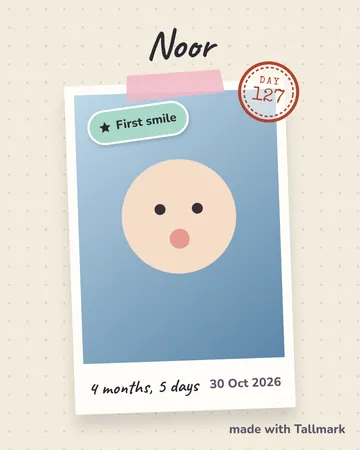
Polaroid 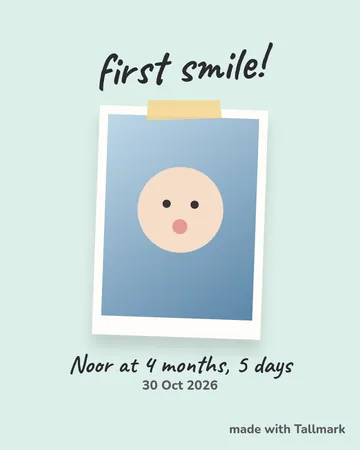
Milestone 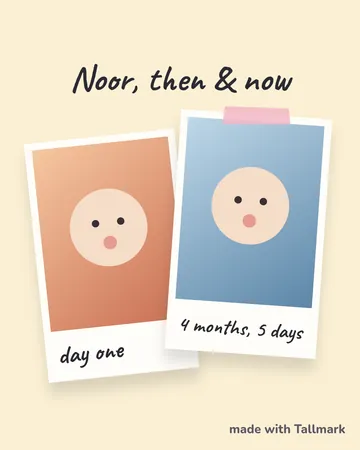
Then & now 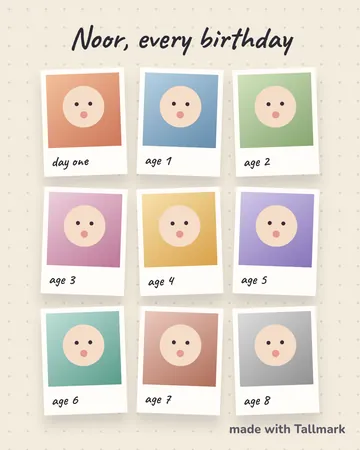
Every birthday 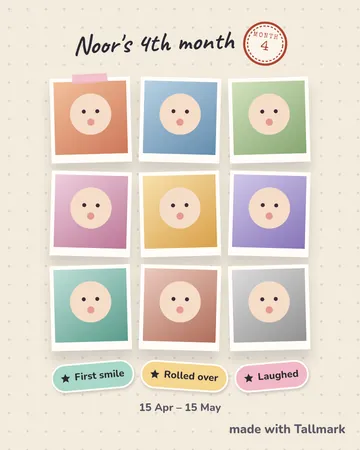
Month recap
One card, eight styles
Scrapbook 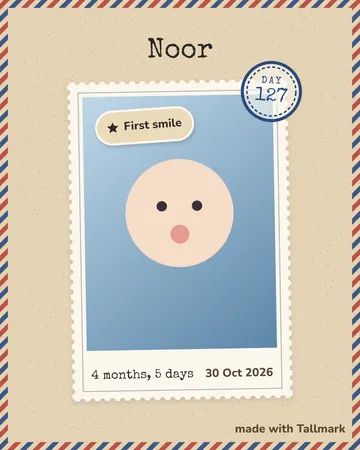
Post officePlus 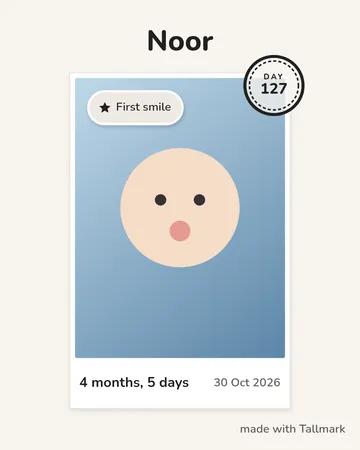
MinimalPlus 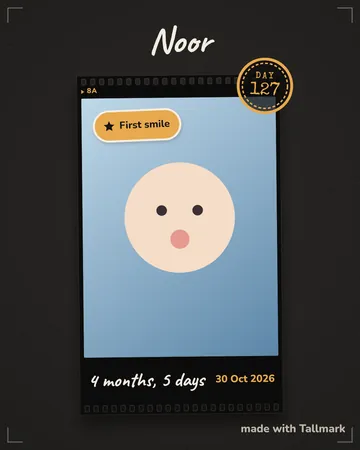
FilmPlus 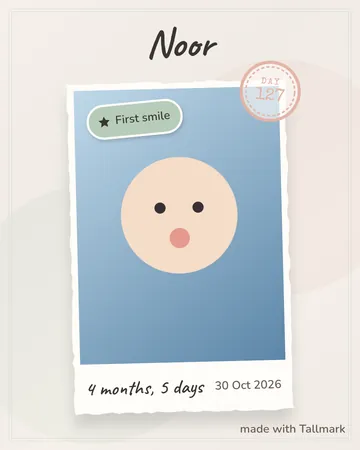
WatercolourPlus 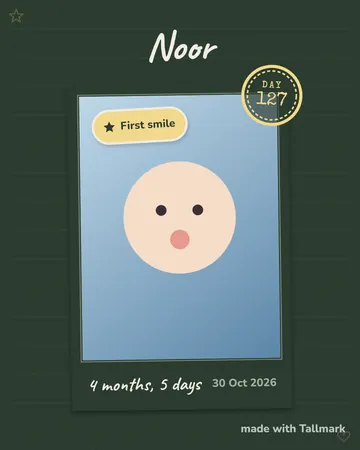
ChalkboardPlus 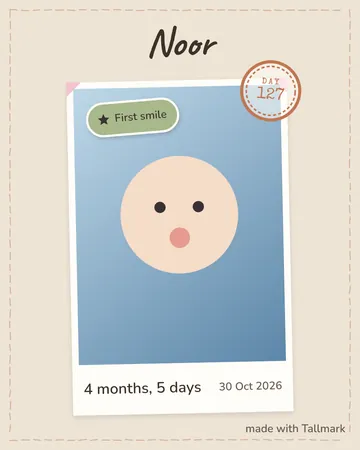
LinenPlus 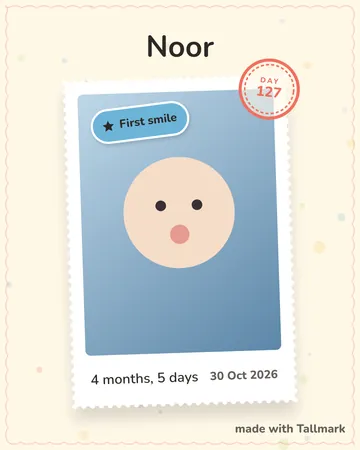
SunshinePlus
A book to print
Something to hold
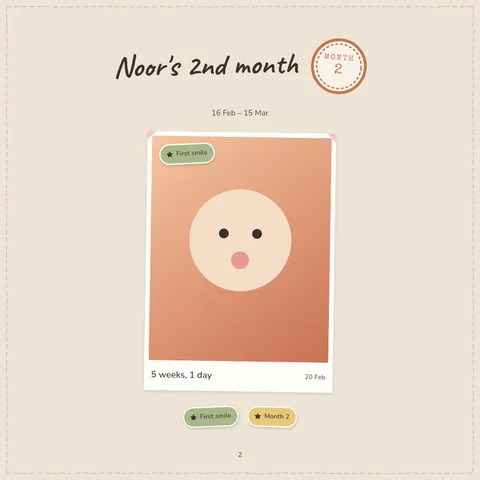
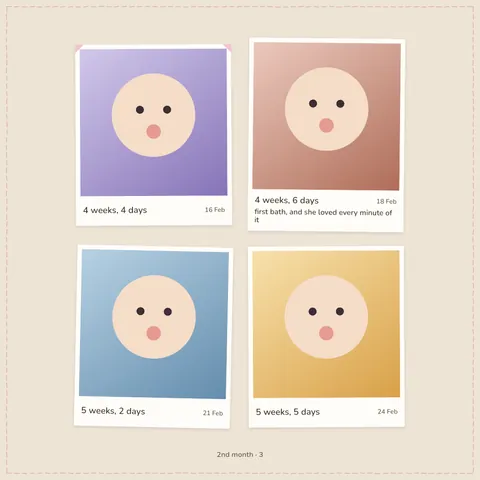
Milestones and growth
Stickers for the firsts
- First smile
- Rolled over
- First tooth
- Sat up unaided
- Crawled
- First word
- First steps
- Month 6
plain kraft stickers mark each month by themselves
Brothers and sisters
One book each
Privacy
Nothing ever comes to us.
Backups go only to your own iCloud or Google Drive, and only if you turn them on. No AI, ever.
If you buy Tallmark Plus, Apple or Google and our payment service, RevenueCat, see the purchase. Never your book.
What goes where
- Your pages
- On your phone, in Tallmark.
- Backups
- Your own iCloud or Google Drive, only if you turn it on. Or a backup file you keep.
- An account
- There isn’t one.
- Ads and tracking
- None. No analytics either.
- AI
- None, ever. Cards and books are drawn on your phone.
On iPhone and Android alike.
Questions parents ask
Fair questions
More on the support page, including backup and moving phones.
Do I need an account?
No. There’s nothing to sign up for. Open Tallmark, write the name on the cover, and make the first page.
The one sign-in you might see is on Android, if you turn on backup to Google Drive: Google asks once so Tallmark can use its own hidden folder in your Drive. It can’t see anything else there.
Is Tallmark free?
Yes. Keeping the book is free, for as many children as you like: every page, sticker, note and growth entry, reminders, the see-through page, the guide, backup to your own iCloud or Google Drive, and the flipbook video at full quality with no watermark.
Tallmark Plus is optional. It adds every card style beyond Scrapbook, the photo book to print, GIF flipbooks, and more ways to play the flipbook. You can take it yearly (with a week free first), monthly, or pay once for life. The app shows the price in your currency before you choose.
Subscriptions renew until you cancel them in your App Store or Google Play account. If Plus ends, nothing you made is touched: saved cards, videos and books stay yours.
What if I miss a day?
The book carries on. A day without a photo is simply a page you skipped, and the flipbook turns straight past it.
If you took a photo that day with your camera, you can bring it in later and it lands on the right page.
Can I add older photos?
Yes. Choose photos from your library and each one goes on the page for the day it was taken. Started late? The first weeks can still go in the book.
Can two parents use it?
Tallmark runs on iPhone and Android, so the book can live on either parent’s phone. It lives on one phone at a time: there’s no shared online copy, because that would mean your photos coming to us.
To hand the book over, make a backup file on one phone and open it in Tallmark on the other.
How do I move to a new phone?
Same kind of phone: turn on backup to your own iCloud (iPhone) or Google Drive (Android). When Tallmark first opens on the new phone, it offers to bring the book back.
From iPhone to Android, or the other way: in Tallmark, go to Settings, then Backup, and make a backup file. Move the file to the new phone however you like (a cable, AirDrop, a cloud drive, an email to yourself) and open it in Tallmark there.
Can I print the book?
Yes, with Tallmark Plus. Tallmark makes a photo book as a PDF: a cover, a chapter for each month, and the pages with their stickers and notes. Print it at home, or take the file to any print shop.
Is there AI?
No, and there won’t be. The flipbook, the cards and the photo book are all made on your phone. Your photos are never sent to an AI service, or to us.
Is Tallmark on Android?
Yes, on iPhone and Android from the same day, with the same book. The home screen widget is iPhone only for now.
Can I keep a book for each of my children?
Yes, as many as you like. Each child gets their own book, their own colour and their own card style, and you can lay two children side by side at the same age.
Start today’s page.
On iPhone and Android. Tomorrow, it’s page two.